User guide
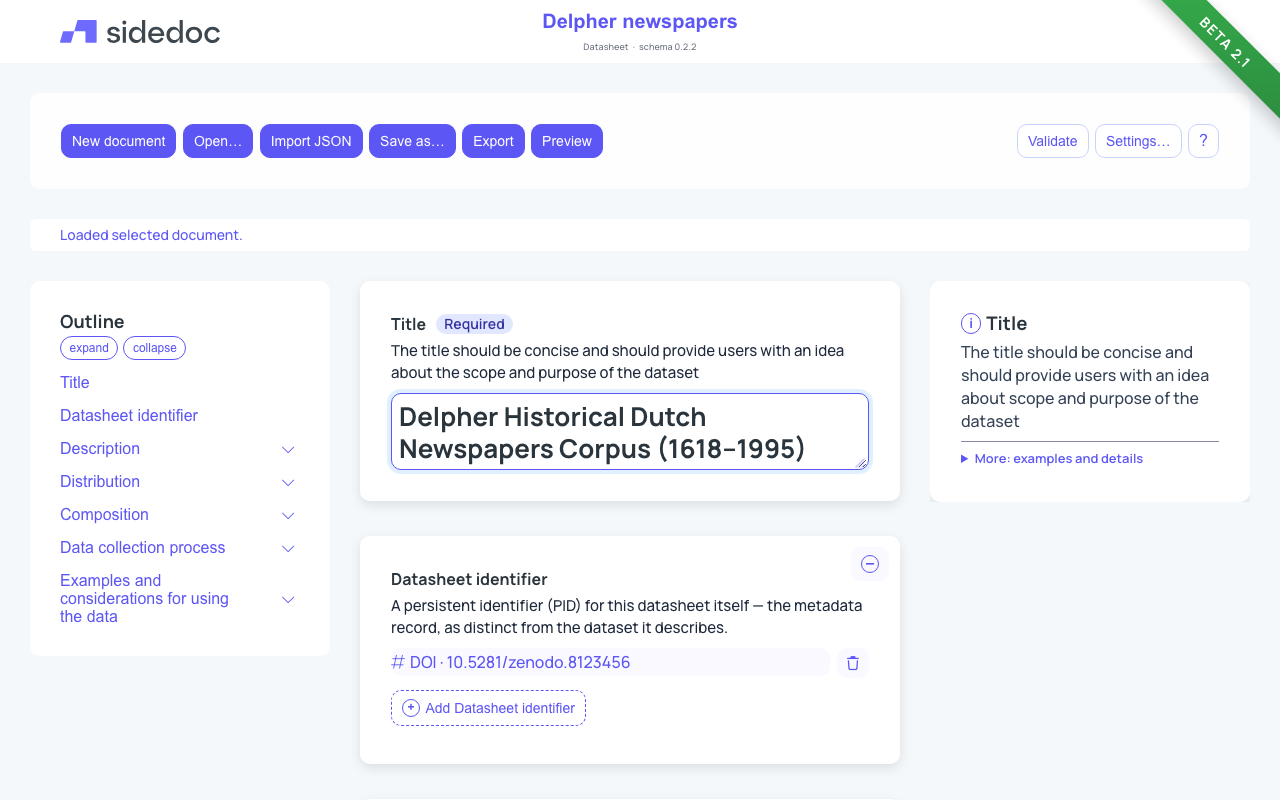
SideDoc is a web-based editor for describing datasets. You fill in a form, SideDoc checks your description against the rules of the format you chose, and you download the result as a readable datasheet or as machine-readable metadata.
Who it is for
SideDoc is made for collection managers, data stewards and curators at heritage institutions, such as libraries, archives and museums, who publish datasets and need to document them. You do not need to know JSON, RDF or any metadata standard to use it. The form explains each field as you go.
What a datasheet is
A datasheet is a structured description of a dataset. It answers the questions a future user will have: what is in the dataset, who made it, how it was collected and digitised, what it may and may not be used for, and how to get it. A good datasheet makes a dataset easier to find, to trust and to reuse.
In SideDoc each description is called a document. A document always follows one profile.
Profiles
A profile decides which fields the form shows, which of them are required, and which word lists (vocabularies) you can pick from. You choose the profile when you create a document.
| Profile | Use it for |
|---|---|
| Datasheet v2.1 | The full datasheet for cultural heritage datasets: description, distribution, composition, data collection process, and ethical and usage considerations. Start here if you are unsure. |
| Datasheet v2 | The previous version of the datasheet. Only use it if you need to match older datasheets. |
| NDE Datasetbeschrijving | A dataset description following the requirements of the Dutch Netwerk Digitaal Erfgoed (NDE). Experimental. |
| NDE Catalogusbeschrijving | A description of a whole data catalogue, following the NDE requirements. Experimental. |
| DCAT-AP 3.0.1 Dataset | A dataset description in the European DCAT-AP standard, for data portals. Experimental. |
| Data Envelope v1 | The CMDI data envelope: a compact record of a dataset's institute, status, data and uses. |
The field-by-field reference for every profile is in Profiles & schemas.
Where your data is stored
Your documents are stored in your own web browser, on your own computer. They are not uploaded to a SideDoc server and nobody else can see them. The footer of the app says so too: "Local workspace · Data stays in your browser".
This has two consequences:
- Your documents are only available in the browser and on the computer where you made them.
- If you clear your browser's site data, or use a private window, the documents are gone.
To keep a copy, Export a document as JSON, or set up backups in Settings…: SideDoc then copies your whole workspace to your Google Drive, an S3-compatible bucket or a folder on your computer, by hand and automatically, and you can restore it in another browser. See Saving and your data and Settings and backups.
Error reports
A hosted SideDoc installation may send technical error reports to its operator when something breaks, so that bugs can be fixed. These reports leave out personal details and the contents of your documents.
In this guide
- Getting started: create your first document and find your way around the screen.
- Filling in the form: the different kinds of fields and how to use them.
- Languages: how SideDoc handles text in more than one language.
- Getting help in the form: the four levels of help for each field.
- Checking your document: what the validation messages mean.
- Importing, Exporting and Saving and your data.
- Settings and backups: appearance, backups and Reset.
- Keyboard and accessibility.
- Questions and answers.